

No products in the cart.
 All Categories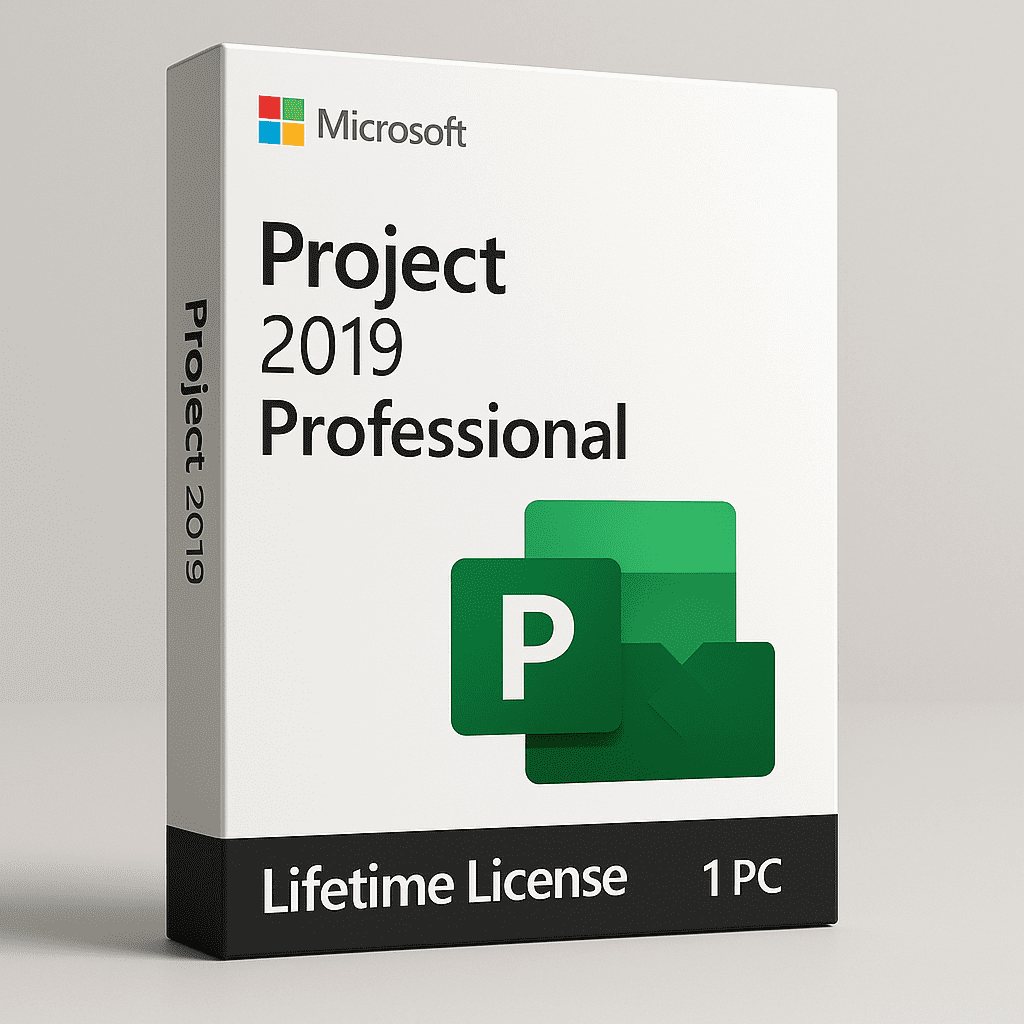
Microsoft Project 2019 Professional – Lifetime License for 1 PC ??
Advanced project planning made simple, powerful, and permanent.
Microsoft Project 2019 Professional is engineered for professionals who manage complex, resource-heavy projects. It provides complete control over scheduling, budgeting, and resource allocation — all from a familiar desktop environment with no subscription or recurring cost.
? What You’ll Receive
? Lifetime License – One-time activation, valid forever on 1 Windows PC
? Instant Digital Delivery – License key and official download link via email
? Step-by-Step Installation Guide – Simple instructions included
? Activation Type: Retail (Permanent, single-device license)
? Format: Digital download only (no physical media)
? Bit Support: 64-bit version
?? Key Features
? 1. Advanced Scheduling & Timeline Management
Build detailed task hierarchies and dependencies
Use Gantt charts, critical path tracking, and timeline views
Automatic timeline adjustment when task conflicts or delays occur
? 2. Smart Resource Management
Allocate labor, materials, and costs efficiently
Detect and resolve overallocation with resource leveling tools
Track time, cost, and utilization with dynamic reports
? 3. Collaboration Support
Assign tasks and share updates easily across teams
Export progress to Excel or PDF for presentations and reporting
Integrates seamlessly with Outlook and other Office apps
? 4. Budget & Cost Control
Track planned vs. actual expenditure
Forecast financial needs and avoid budget overruns
Built-in reports for cost variance, resource cost, and earned value
? 5. Customizable Templates
Start instantly with pre-built templates for construction, IT, marketing, and operations
Save your own templates for recurring project types
? 6. Professional Gantt Charts
Visualize every phase of your project
Color-coded and interactive for quick updates and clear communication
? 7. Integrated Reporting & Analytics
Generate reports for progress, workload, and costs in one click
Export to Excel or Power BI for advanced analysis
Build stakeholder-ready summaries within minutes
? 8. Local Installation – Offline Operation
Install once and work without an internet connection
Store all files locally for maximum privacy and data control
? Why Choose Project 2019 Professional
? One-Time Payment: Lifetime use, no renewal or subscription fees
? Professional Precision: Ideal for large-scale or multi-phase projects
? Offline Stability: Operates fully without cloud dependency
?? Better Performance: Faster load times and smoother operations
? Office Integration: Connect easily with Word, Excel, and PowerPoint
? System Requirements
| Component | Minimum Requirement |
|---|---|
| OS | Windows 10 or later (64-bit only) |
| Processor | 1.6 GHz or faster, dual-core |
| RAM | 4 GB (8 GB recommended) |
| Storage | 4 GB free disk space |
| Display | 1280 × 768 resolution |
| Graphics | DirectX 10 compatible GPU |
? Activation & Delivery
Secure digital delivery within minutes of purchase
Includes: license key, official installer link, and setup guide
One-time activation for lifetime validity
Reinstallation on the same PC is supported; transfer to another device is not
? Ideal For
???? Project Managers: Handle complex project timelines and dependencies
?? Engineers & Architects: Plan, track, and deliver technical projects efficiently
? IT & Developers: Manage software release cycles and resource allocation
? Business Analysts & Consultants: Track deliverables, costs, and KPIs
? Corporate Teams: Coordinate multi-departmental campaigns
? Operations Managers: Control logistics, procurement, and workforce planning
??? Freelancers: Impress clients with structured plans and real-time progress
? Benefits for Your Workflow
? Automate recurring tasks and generate reports in minutes
? Forecast outcomes and identify bottlenecks early
? Centralize all documentation in one secure platform
? Improve profitability through accurate cost tracking
? Final Thoughts
Microsoft Project 2019 Professional is the ultimate offline project management solution — precise, reliable, and built for long-term use. With its lifetime activation and enterprise-grade tools, it empowers you to plan smarter, execute faster, and deliver projects on time and within budget.
Plan. Execute. Deliver — flawlessly, every time.


Ravi Verma –
Perfect for managing projects, easy installation, and lifetime activation is a big plus.
Neha Gupta –
Great tool for project management, runs smoothly on my PC with lifetime activation.
Vikram Yadav –
Simple to set up and the lifetime license saves money in the long run.
Simran Sharma –
Project 2019 is great for tracking tasks and timelines, works well without any issues.
Rajeev Patel –
Lifetime activation works flawlessly, and the features are ideal for managing complex projects.
Kavita Singh –
Great for professional use, it handles large projects easily and the activation was quick.
Amit –
Excellent for managing deadlines and resources, lifetime license makes it cost effective.
Pooja Joshi –
Easy to use and a must-have for project managers, no recurring costs with lifetime activation.
Harsh Mehta –
Perfect for planning and executing projects, lifetime activation is convenient.
Deepika Chauhan –
Helps in organizing and managing projects better, smooth activation process.
Sandeep Kumar –
Project 2019 makes project management much easier with its organized tools and lifetime activation.
Ritika Patel –
Very useful for my project management needs, and the lifetime license means I don’t have to worry about renewals.
Manish Gupta –
Best for project planning and resource management, lifetime activation adds great value.
Aarti Mehra –
Perfect for handling multiple projects at once, lifetime activation makes it a smart choice.
Vishal –
Great for professionals, easy to activate, and the lifetime license is perfect for long term use.