

No products in the cart.
 All Categories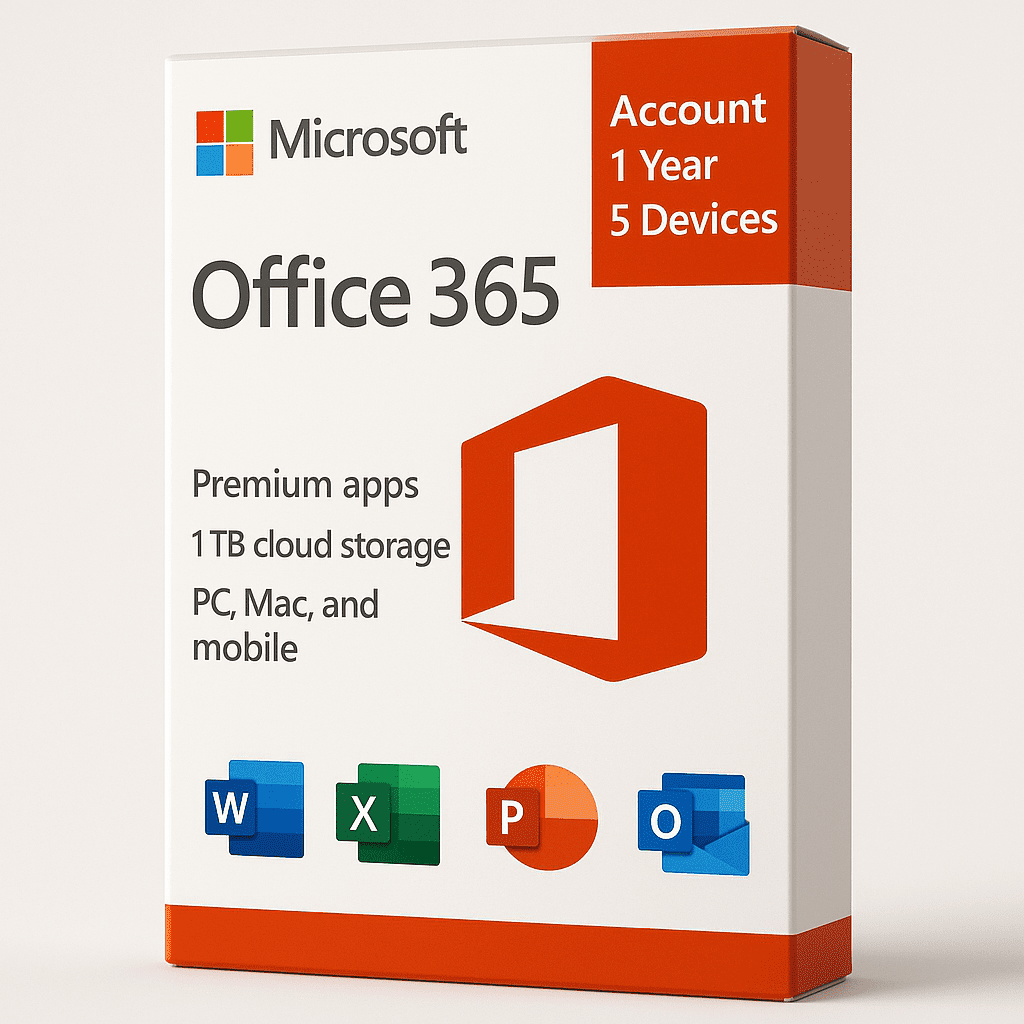
Office 365 Account – 1 Year Access for 5 Devices ?
Office 365 delivers unmatched flexibility, cloud power, and productivity for both work and learning environments. With one subscription, you can install and use essential Office apps across up to 5 devices—including Windows PCs, Macs, tablets, and smartphones.
? Why Choose Office 365 – 1 Year Subscription
? Multi-Device Access – Use Word, Excel, PowerPoint, Outlook, and more across 5 devices.
? Always Up to Date – Get automatic access to the latest Microsoft features and updates.
? 100GB OneDrive Cloud Storage – Safely store, sync, and access your files anytime, anywhere.
? Real-Time Collaboration – Work with others simultaneously in shared documents and presentations.
? Enterprise-Grade Security – Built-in protection against data loss, phishing, and ransomware.
? Included Applications
Word – Create, format, and collaborate on professional documents.
Excel – Analyze data with new functions, pivot tables, and charts.
PowerPoint – Build impactful slides with advanced transitions and 3D visuals.
Outlook – Manage emails, calendars, and tasks efficiently.
OneNote – Capture and organize ideas instantly.
Access (Windows only) – Build databases with ease.
Publisher (Windows only) – Create professional publications and marketing materials.
? Key Benefits
Install on 5 Devices simultaneously (PC, Mac, Android, iPhone, or tablet).
Automatic Updates – Always have the latest features.
Offline Access – Work without internet; files sync automatically when online.
100GB Cloud Storage per User – Keep your data safe and accessible anywhere.
Advanced Security – Protect your account and files with two-step verification and encryption.
? Subscription Details
Validity: 365 days from activation.
Account: Pre-generated Microsoft login (email & password).
Delivery: Instant digital delivery after purchase.
Note: The assigned email address cannot be changed; only the password can be updated.
? Final Thoughts
Office 365 1-Year Access is the perfect balance of performance, mobility, and collaboration. Whether you’re a student, a professional, or a small business owner, this plan offers everything needed to stay productive across all your devices.
? Get started instantly — one account, full Office power, five devices.


Ravi Kumar –
Perfect for a family or small business, supports up to 5 devices and easy to use.
Neha Gupta –
Great subscription for multiple devices, easy setup, and smooth syncing.
Vikram Singh –
Office 365 is excellent for accessing documents on any device, anytime.
Pooja Mehta –
Having it on 5 devices is a lifesaver, very convenient for work and personal use.
Amit –
Good value for money, especially with 5 devices covered under one subscription.
Ritika Sharma –
Works flawlessly across all devices and the 1-year subscription is really convenient.
Manish Patel –
Great deal for a family or office with multiple devices, no issues so far.
Kavita Yadav –
Easy to install on all my devices and keeps everything synced well.
Sandeep Joshi –
Office 365 gives me the flexibility to work from any device without problems.
Simran Kaur –
Perfect for those who need to access Office apps on multiple devices.
Rajeev Verma –
Convenient, works well across all devices, and no need for additional licenses.
Ritika Chauhan –
Easy to manage with 5 devices and smooth access to all my Office apps.
Harsh Gupta –
Office 365 subscription is worth it with 5 devices; everything works seamlessly.
Nyayam Surender Reddy –
Good